
Scale Your Firm With Our Modern Bookkeeping and Payroll Platform
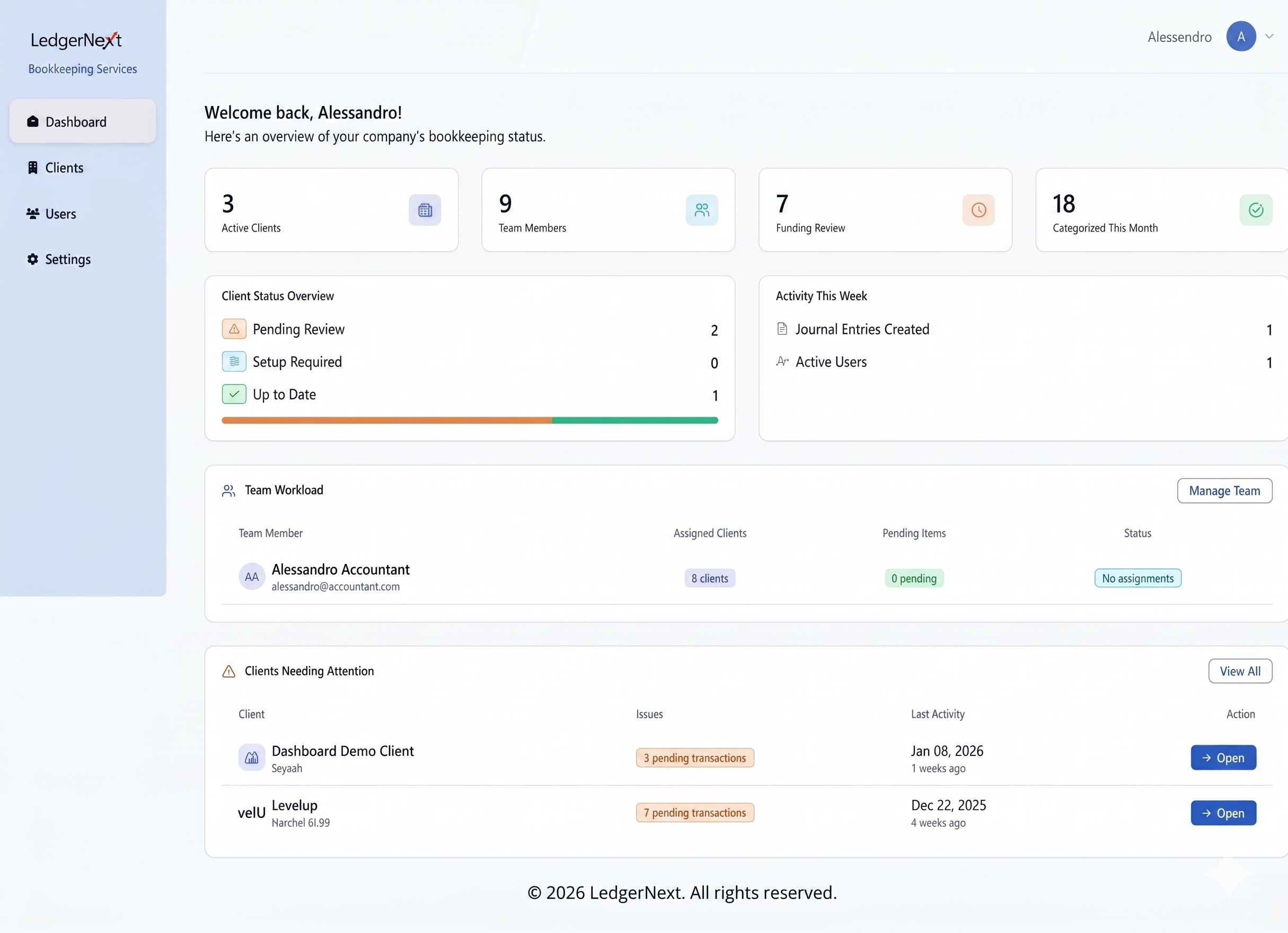
LedgerNext is designed for modern accountants who value precision and speed.
Two Powerful Solutions.
One Platform.
Whether you’re reconciling client books or running payroll, LedgerNext brings your most time-consuming accounting workflows into one secure, centralized system — connected by shared client data and reporting from day one.
Bookkeeping
Streamline daily reconciliation, categorize transactions, and generate real-time financial statements. Built to reduce manual work for Canadian firms.
Payroll
Process payroll, calculate deductions, and manage compliance with CRA regulations. An integrated workflow from bookkeeping to pay day.
One source of truth. Bookkeeping and Payroll share the same client records, ledger entries, and reports — so payroll runs post directly into the books, and the financials your team relies on always reflect the latest activity, with no double entry or re-syncing required.
Try LedgerNext free for 20 days
Full access · No credit card required
Powerful Bookkeeping Software Built for Scale and Speed
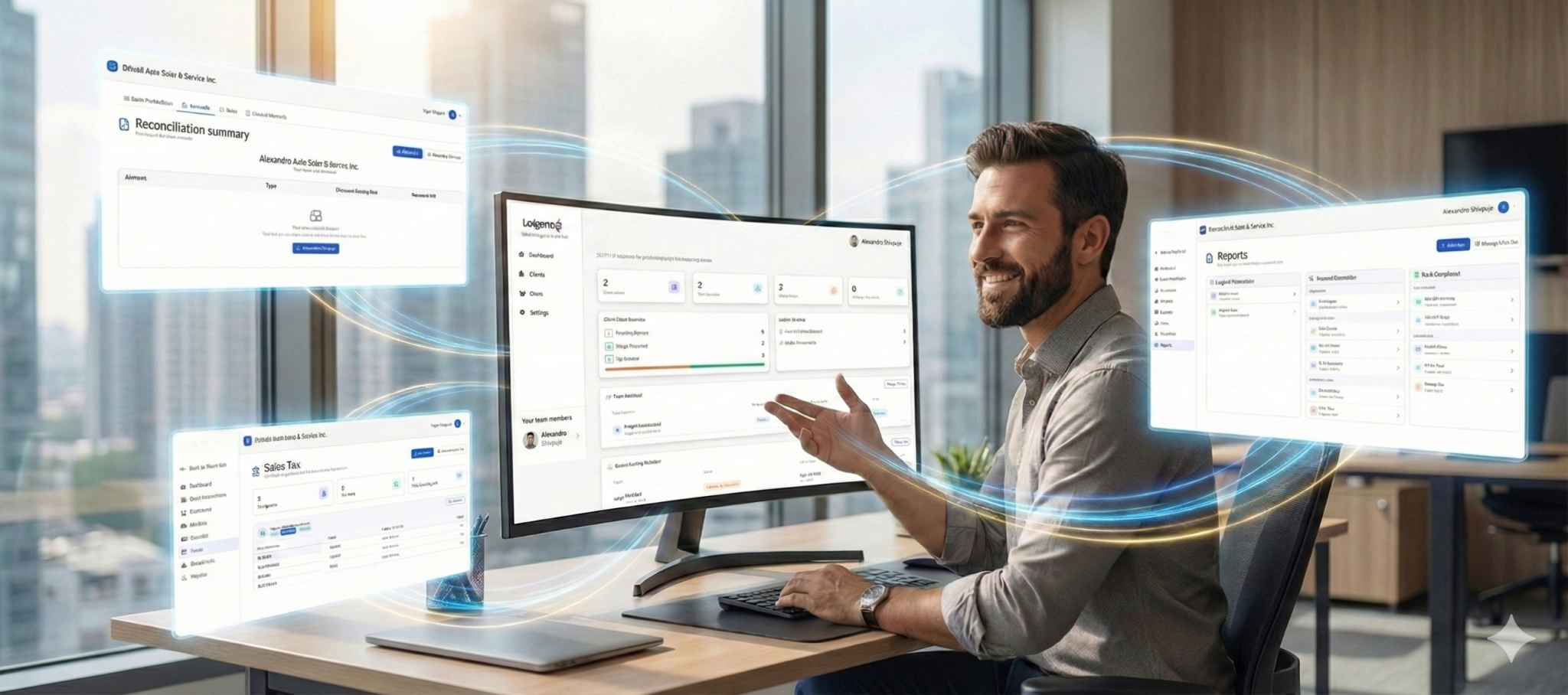
LedgerNext transforms raw bank statements into categorized, tax-ready financial statements automatically. It’s the smarter way to manage your firm’s workflow and serve clients with tax-preparation needs.
- Faster bank reconciliation
- Accurate financial reporting
- Efficient client management
Top Tier Security
Bank-grade encryption and SOC2 compliance keep client data protected, hosted securely on AWS with data centres located in Canada.
Regulation-Ready System
Built specifically for tax codes, GST/HST rules, and provincial compliance.
CPA Verified
Designed in partnership with leading CPAs to match the actual workflow of tax preparers.
Superfast Bank Reconciliation
From “Shoebox” to T2 Ready in 3 Simple Steps.
1. Upload
Drag & drop client bank statements (PDF, CSV) directly into the secure portal.
2. Categorise
Our AI automatically matches transactions and applies your firm’s smart rules.
3. Done
Review the reconciled data and export directly to your tax software (GIFI ready).
Built for Speed
Rule Based Categorisation
Manage 50+ clients from a single dashboard. Switch contexts instantly without the logout/login fatigue.
Batch Reclassification
Define “Shell = Fuel” once, and our AI automatically categorizes it across all future statements.
Tax-Ready Report at fingertips
Clean up messy client data in seconds. Filter by vendor, select hundreds of transactions, and re-assign with a click.
Payroll Software Built for Canadian Compliance
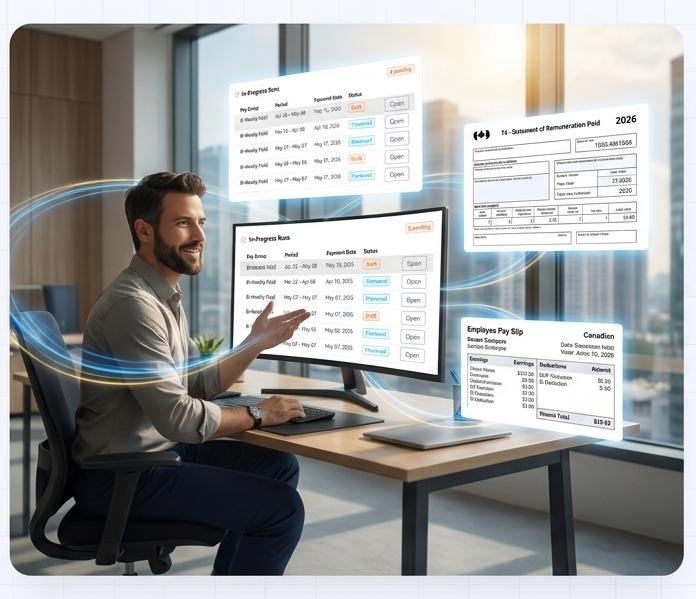
Run CRA-compliant payroll, calculate CPP and EI automatically, and generate pay slips, T4s, and ROEs in minutes.
- Automated CRA compliance
- Automatic CPP & EI calculations
- Generate pay slips, T4s, & ROEs in minutes
Payroll in Three Clear Steps
From employee setup to filed reports, the workflow is built around how Canadian accountants and bookkeepers already work.
Add Employees & Payroll Settings
Onboard employees with TD1 forms, configure earnings, deductions, and benefit libraries, then set up pay groups and schedules — all through a guided setup wizard.
Run Payroll Automatically
Process regular, bonus, off-cycle, or YTD-adjustment runs. CPP, EI, and tax calculations apply automatically, including non-periodic Factor B rules for bonuses.
Generate Reports & Pay Slips
Export pay statements, the payroll register, CRA remittance summaries, T4 slips, and ROEs — ready for filing, employee delivery, or audit.
“As a CPA, accuracy and data security are non-negotiable for me. LedgerNext brings structure and clarity to workflows that are usually time-consuming and error-prone. From bank reconciliation to tax-ready data and client management, the platform is built with a deep understanding of how accounting firms actually work.”
Frequently Asked Questions
How do I migrate my clients from QuickBooks?
Migrating your clients from QuickBooks to LedgerNext is straightforward. You can import data using QuickBooks export files (CSV, QBO, or Excel), and our platform guides you through mapping accounts and opening balances. We also provide step-by-step instructions to make the transition smooth and accurate. If you need help, our support team can assist with migration questions.
Is my client data stored in Canada?
Yes. All client and transactional data is securely stored on servers located in Canada. This ensures compliance with Canadian data residency expectations and helps protect sensitive financial information under local privacy regulations. LedgerNext uses industry-standard encryption and security practices to keep data safe at rest and in transit.
Does it work with scanned PDFs?
Yes. LedgerNext supports scanned PDF documents. You can upload PDFs of bank statements, invoices, and other financial documents. Our platform extracts the relevant data and prepares it for reconciliation. For best results, use clear scans with readable text. If you run into issues with a specific file, our support team can help.
Is there a setup or implementation fee?
No. For most plans, there is no separate setup or implementation fee. You can get started with LedgerNext and begin importing data right away. If your firm requires personalized onboarding or custom configuration, we offer optional training and support packages to help you get up and running quickly.
Can I export to professional tax software?
Yes. LedgerNext lets you export reconciled and categorized financial data into formats compatible with many professional tax preparation tools. This helps you streamline year-end tax workflows and reduce time spent on manual exports. If you need a specific format for your tax software, check our export options or contact support for guidance.
How does the pricing scale?
Our pricing scales based on the number of clients, volume of data processed, and the plan you choose. We offer tiered plans that make it easy for small firms to start and grow with us, and enterprise options for larger practices. You can view detailed pricing on our Pricing page or contact our sales team for a customized quote.
Do you offer training for my staff?
Yes. We provide optional training resources and live sessions to help your team get the most out of LedgerNext. This includes walkthroughs of core features, best practices for reconciliation and reporting, and tips to improve workflow efficiency. Training can be scheduled on demand or included as part of certain service packages.
Everything to serve 2x clients
Efficient client management
Modernize your client onboarding and ongoing management. Centralize all client data, communication, and documents in one secure location, reducing administrative overhead by up to 40%.
Custom rules for your staff
Assign specific access levels and permissions to your team members. Ensure data security by controlling who can view, edit, or approve specific files and financial reports based on their role.
Free client portal
Provide a professional, branded portal for your clients to securely upload documents, view their financial status, and communicate with your firm anywhere, 24/7.
- Secure document exchange
- Real-time status updates
- Mobile-friendly access
Ready to Streamline Your Practice?
Join hundreds of Canadian accountants preparing faster, more accurate returns.